Six steps.
You do the first.
Step through what happens between pasting a link and downloading the video. Each step shows the real thing from one real listing, and says what can go wrong.
You paste a link, or drop in photos.
That is the only thing it needs from you. With a link it also picks up the title, the place and the amenity list, so you type nothing.
- Takes
- A few seconds
- Honest note
- Link reading works with Airbnb today. For any other site, upload the photos.
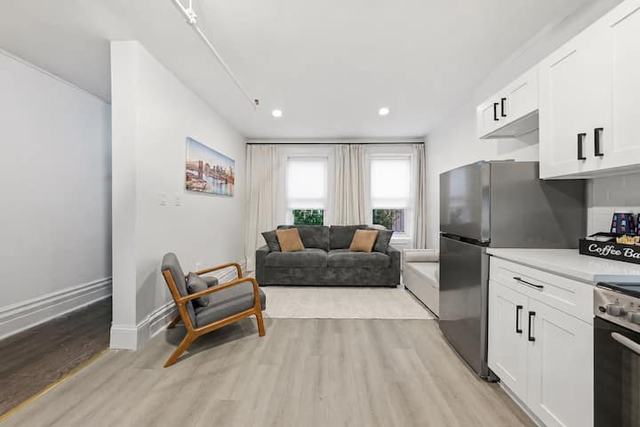
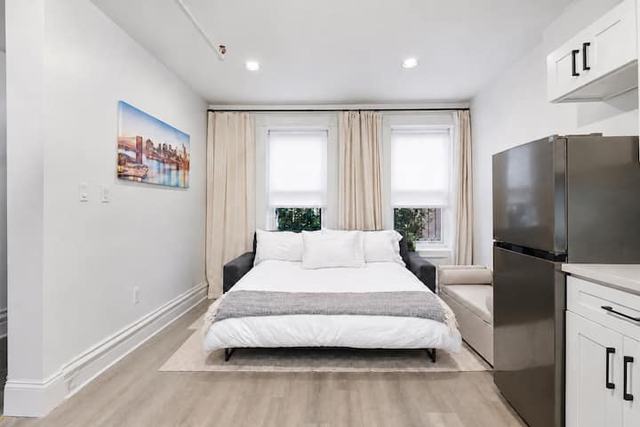
What it needs from you.
What is real, and what is generated.
Every room shot: your photo, with a camera moved through its measured depth
The furniture, finishes, windows and views in those shots
The labels: taken from the amenity list
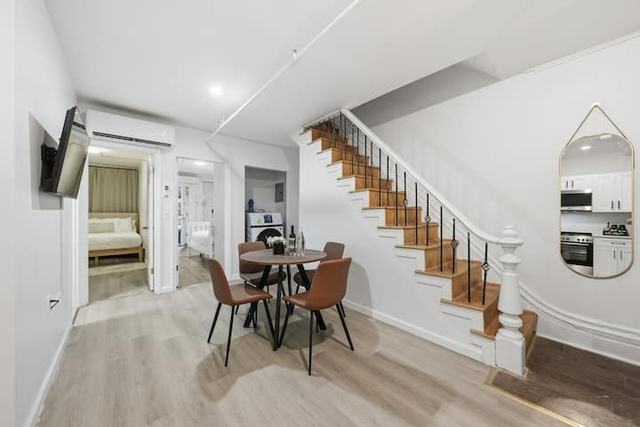
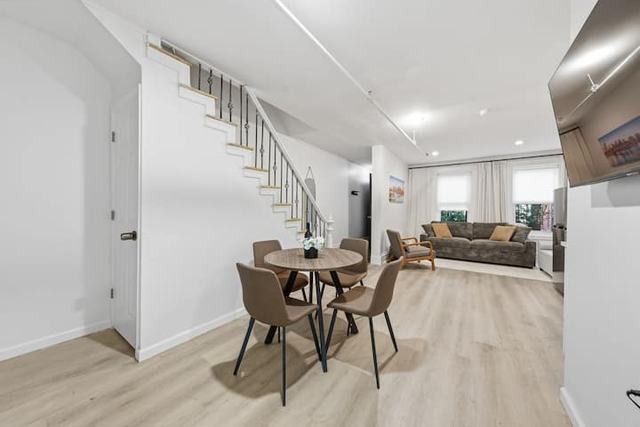
The order of the rooms: taken from doorways your photos show
The few steps between two rooms, filmed by an AI video model
Small details inside a doorway while the camera passes through it
Background music
Check the video before you publish it. If a walk shows something that is not there, change that walk to a turn between those two rooms and make it again.
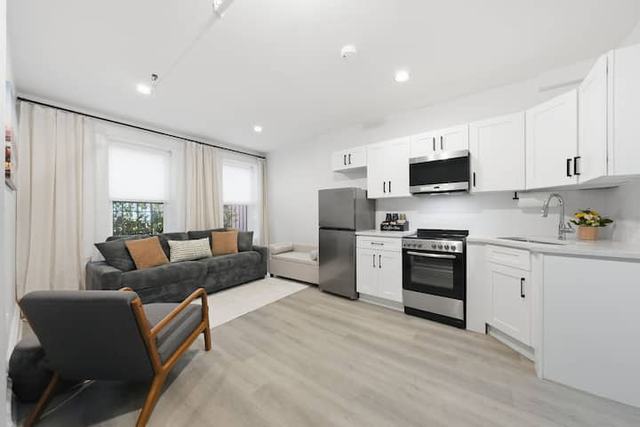
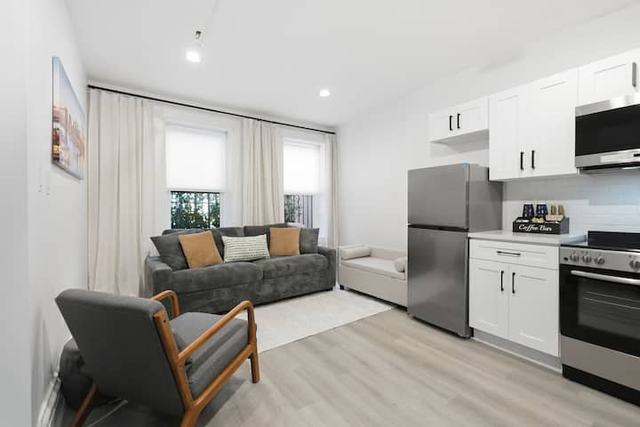
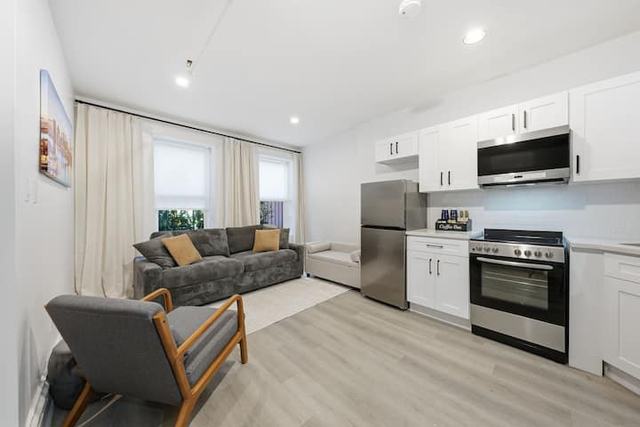
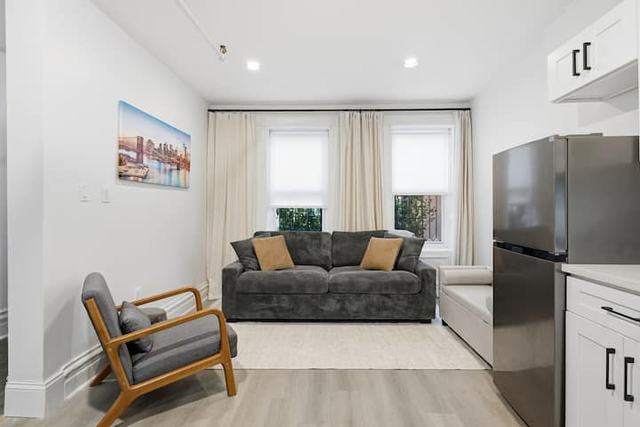
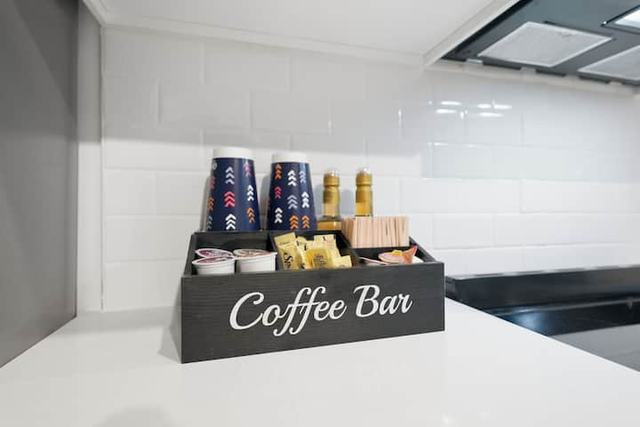
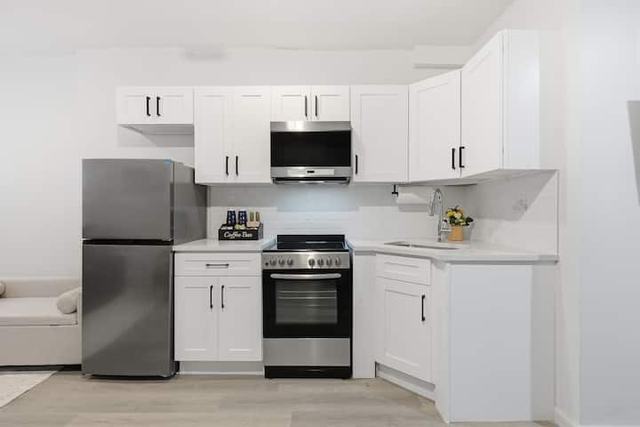
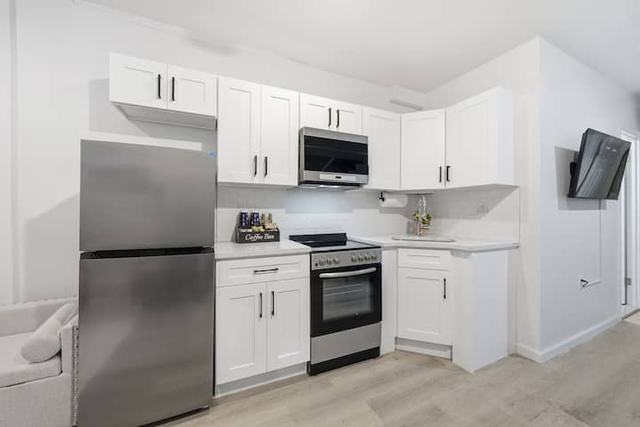
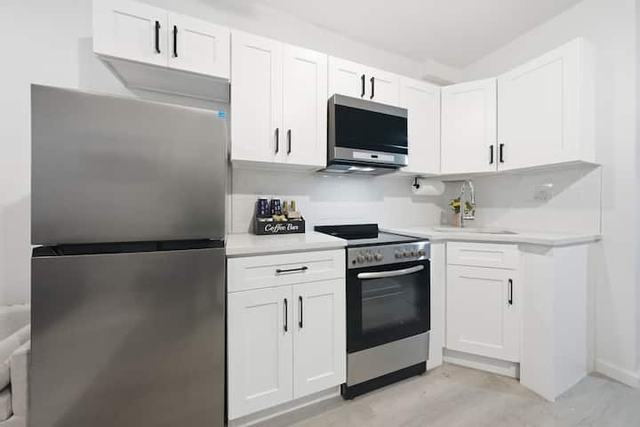
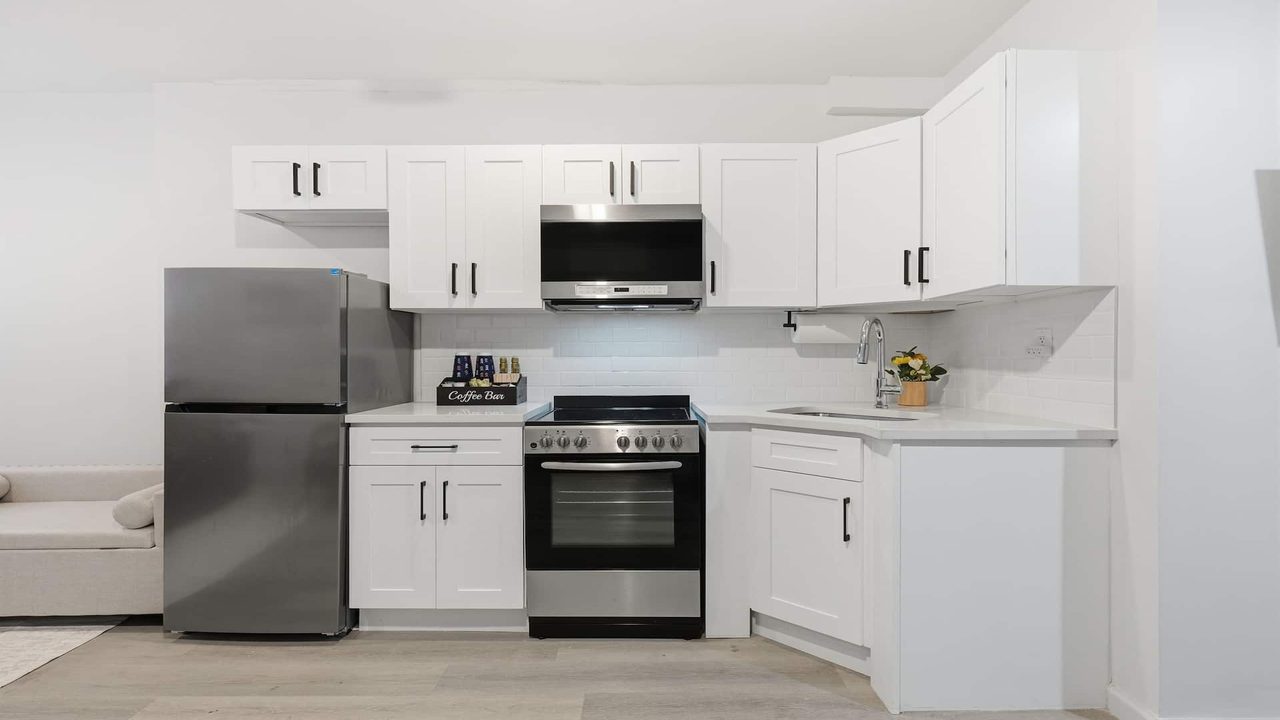 Fridge and freezerOven and electric cookerMicrowaveKeurig coffee bar
The kitchen in the demo video. 4 of 4 labels showing.
Automatic first. Yours to edit.
The video is ready to make without touching anything. If you do want a say, everything it found sits in one column. Try it:
start at the street windows, skip the laundry, end in the backyard
Also yours to change: room names and order, the spoken line for each room, and the shape of the video.
Fair questions.
Is the video really my property?
The room shots are your photos, moved through their own depth, so everything in them is real. The short walks between rooms are filmed by an AI video model that has to start on one of your photos and end on the next. Where your photos show the doorway, it follows it.
Is the fly-in real drone footage?
No drone flies. Roomwalk builds your area from open map data (OpenStreetMap buildings, their real heights and streets), flies a camera path from high above down to your floor, and an AI video model films that path to look real, using your outside photo for the building. The streets and buildings sit where they really are; the textures are drawn by the AI.
What do I need to give it?
A link to the listing, or the photos you already have. Ten or more photos works best, and it helps a lot if some of them show a doorway into the next room. No floor plan, no video, no special camera.
Which listing sites can it read?
Airbnb today. For a property listed anywhere else, or not listed yet, upload the photos and tick what it has. The rest is just as automatic.
Do I have to set anything up?
No. It puts the rooms in order and writes the labels on its own. If you want a say, you can switch amenities off, add notes, rename or reorder rooms before you make the video.
What about a big house?
It films up to 20 rooms in one continuous walk. Where a photo shows the stairs it walks up them; otherwise the camera turns to the next floor. The price covers 8 rooms and each extra room adds a credit or two. For ads you can ask for a highlights cut of the best 8 rooms.
Who is it for?
Estate agents, landlords, property managers, hotels and short-stay hosts. Anything with rooms and photos.
How long does it take?
A few minutes per room. You can close the tab. The finished video waits in your account.
How do I get the best video?
Give it more photos, from different angles. Wide shots of every room, and a few that look through a doorway into the next room. Those doorway shots are how it learns the way through the home.
What if a video fails?
If a video fails on our side, its credits come back on their own, straight away.
Whose photos can I use?
Photos you own or have permission to use. If you list the property, that is normally you.